Invite Teammates to Your Backdrop Workspace
Invite teammates to your Backdrop workspace by email, and give them a paid seat on a team plan.
Anyone in the workspace can invite teammates. Teammates get the same knowledge base, and everyone's calls stay their own.
Invite a teammate
Type their work email and press Enter. Backdrop also suggests people you meet with. Click a name to add them.
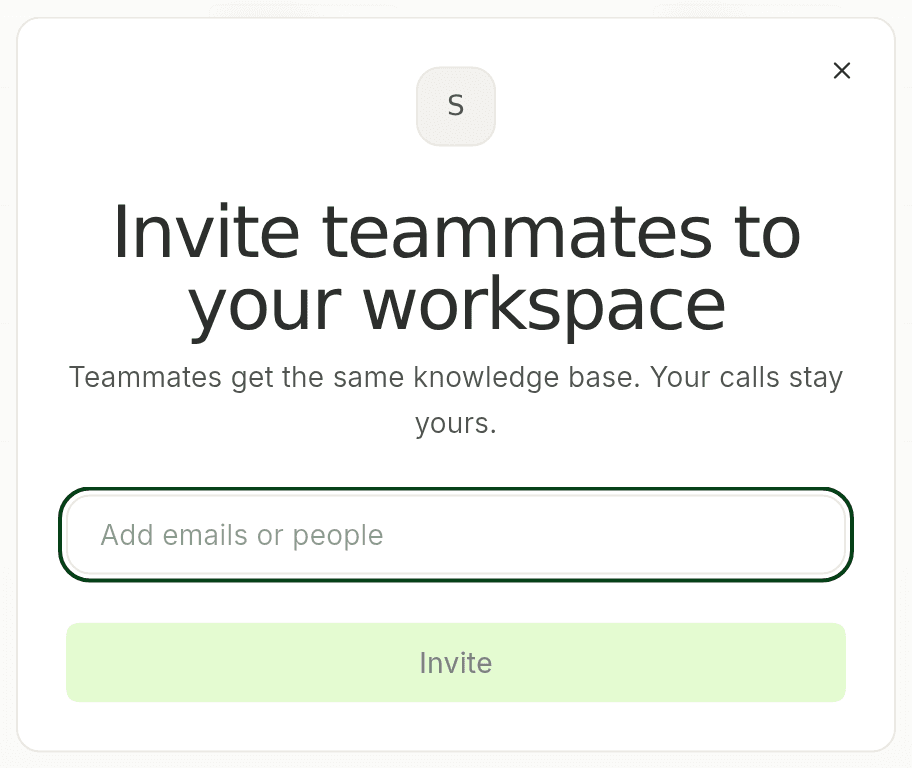
They get an email. Once they accept it and sign in to Backdrop with that email, they show up on the Team page.
Give them a paid seat
On a team plan, an admin chooses who gets a paid seat. During the team trial, everyone already has full access, so there's nothing to do.
After the trial, new teammates start on Free:
You can only give a seat to someone who has already joined. Invite them first, then assign the seat.
First time choosing seats? See Team plan to add the company card.
Quit Backdrop
Closing the Backdrop window doesn't quit the app. Here's how to quit Backdrop completely on macOS and Windows with Quit Completely.
Personal plan
How paying for Backdrop works when you use it on your own. Start with a free trial, subscribe from the app, and manage your card and invoices from Settings.