Pay for Backdrop on a Personal Plan
How paying for Backdrop works when you use it on your own. Start with a free trial, subscribe from the app, and manage your card and invoices from Settings.
On a personal plan, you pay for Backdrop yourself. Using Backdrop with your company? See Team plan instead.
Not sure which plan you're on?
Open Settings → Subscription. If it says Your team pays for your seat, you're on a team plan.
Your free trial
When you join, you get a free trial. No card needed. The bottom left of the app shows how much time is left.
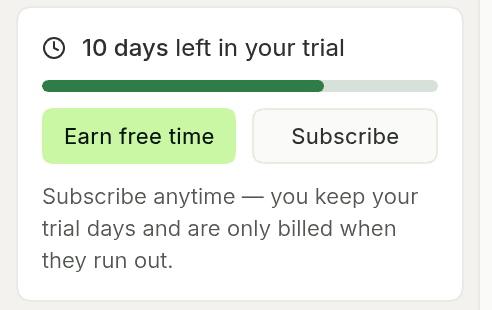
You can subscribe anytime. You keep the rest of your trial and are only billed when it ends.
When the trial ends without a subscription, Backdrop moves you to the Free plan. It never stops recording in the middle of a call.
Subscribe
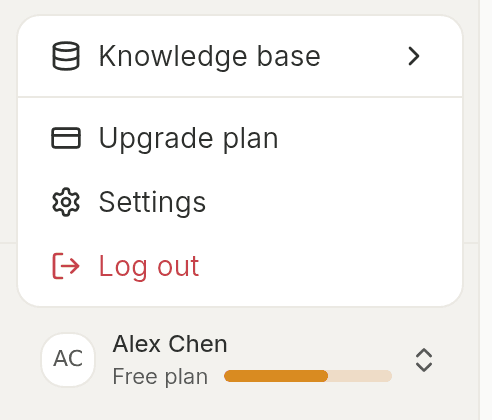
Click Subscribe on the trial card. On the Free plan, open the menu under your name in the bottom left and click Upgrade plan.
When your Free usage runs out
On the Free plan, the bar under your name shows how much usage you have left. Hover over it to see when it resets.
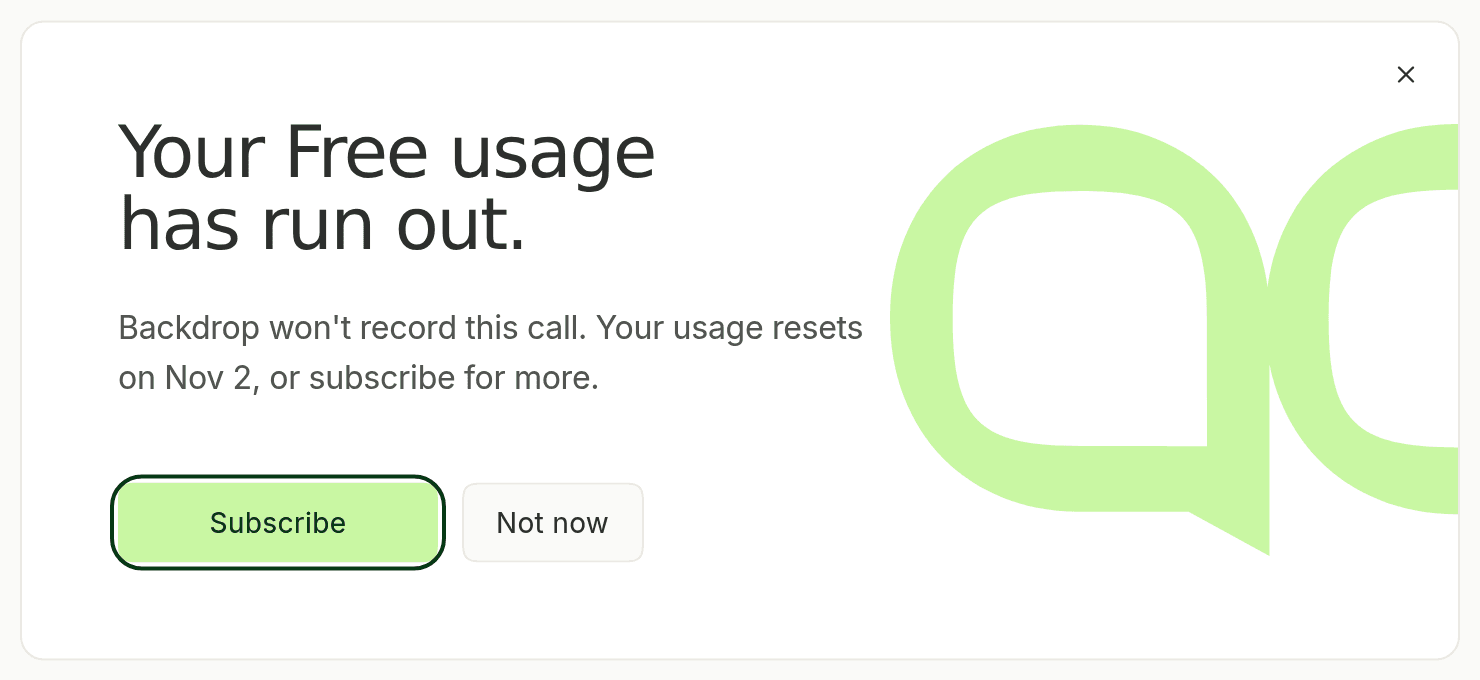
If you run out, Backdrop won't record new calls until your usage resets. Click Subscribe to keep going right away.
Manage your subscription
Go to Settings → Subscription → Manage subscription. From there you can change your plan, update your card and download invoices.
Questions about a charge? Email support@getbackdrop.ai.